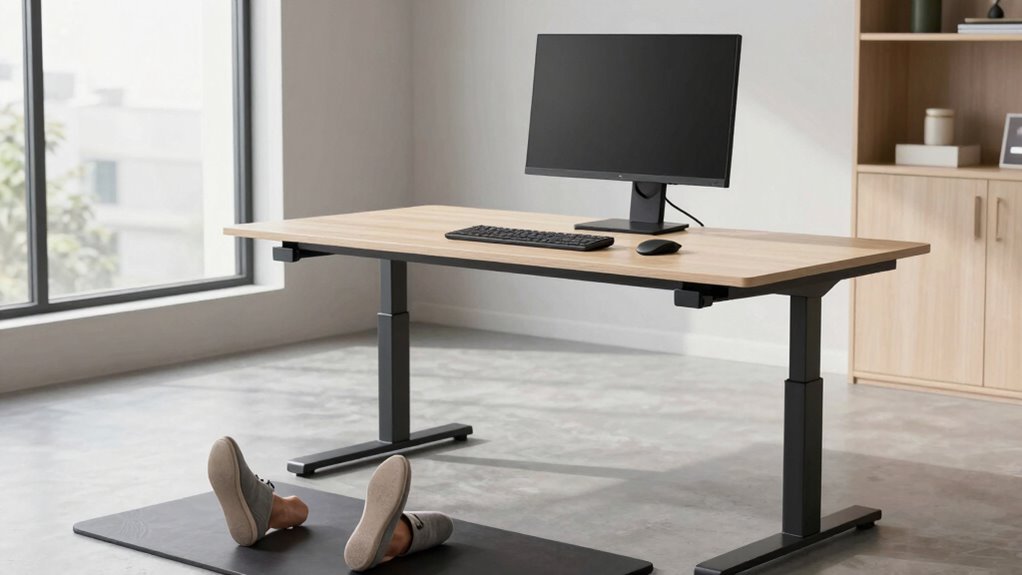

To make your standing desk work better from day one, focus on precise height adjustment so your elbows stay at a 90° angle and your wrists remain straight. Set your monitor at eye level to avoid neck strain, and use ergonomic accessories like mats and supportive risers. Regularly check and tweak your setup as needed to stay comfortable throughout the day. If you want to optimize your workspace further, keep exploring for more expert tips.

Get smart everyday buys delivered free — and shop member deals
- Fast, free delivery on millions of items
- Access to Prime Big Deal Days deals on October 6–7
- Prime Video, Amazon Music and more included
Key Takeaways
- Ensure the desk height allows elbows at a 90° angle and wrists straight during standing and sitting.
- Use ergonomic accessories like monitor stands and footrests to maintain proper alignment.
- Incorporate anti-fatigue mats to reduce pressure during prolonged standing periods.
- Alternate between sitting and standing regularly for better circulation and posture.
- Continuously adjust setup based on body signals to maintain comfort and prevent strain.
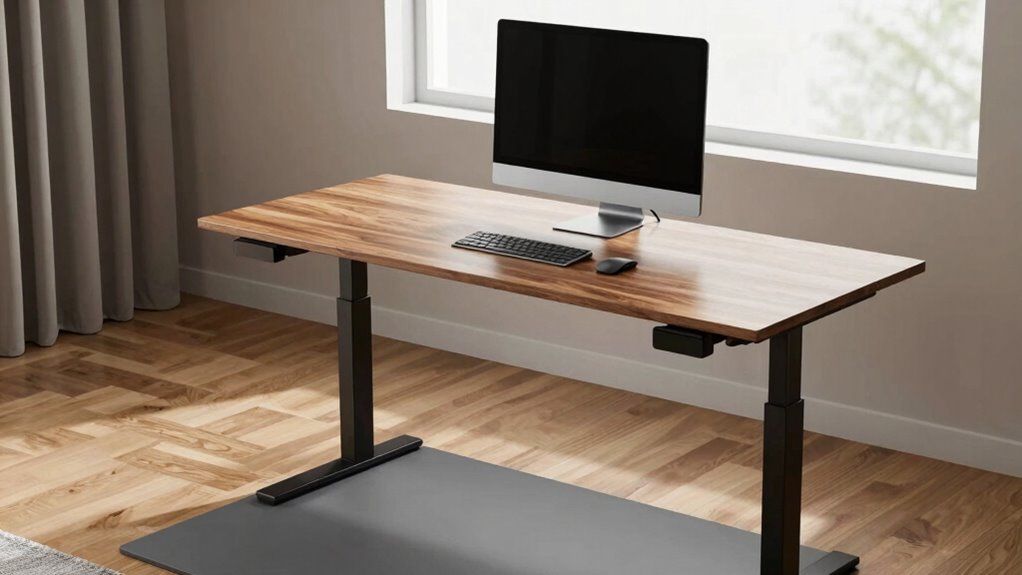
Setting up your standing desk correctly is essential to maximize comfort and prevent strain. When you’re adjusting your workspace, the goal is to find a position that supports your body’s natural alignment. To achieve this, you need to pay close attention to desk height adjustment. Your desk should be at a height where your elbows are bent at about a 90-degree angle, and your wrists remain straight when typing or using a mouse. This position reduces unnecessary stress on your shoulders, neck, and wrists, making it easier to work comfortably for longer periods.
Using ergonomic accessories can make a significant difference in creating an effective workspace. Consider adding an adjustable monitor stand so your screen is at eye level, helping you avoid leaning forward or tilting your head downward. An ergonomic keyboard and mouse are also worth investing in, as they encourage a more natural hand and wrist position. These accessories work together to promote good posture and reduce fatigue, especially during extended work sessions.
The key to a successful standing desk setup is to keep your body in a neutral position. That means your feet should be flat on the floor or on a footrest if your feet don’t reach comfortably. Your hips should be level, and your knees should be slightly below your hips. By adjusting your desk height to match these parameters, you prevent awkward postures that can lead to discomfort or injury over time. Remember, the desk height adjustment isn’t a one-time fix; it’s an ongoing process that may need tweaking as you move through your workday.
In addition to adjusting the desk height, incorporate ergonomic accessories that support your overall posture. For example, anti-fatigue mats can reduce pressure on your legs and feet if you stand for long periods. Using a sit-stand desk converter allows you to alternate between sitting and standing, which helps prevent fatigue and promotes circulation. Regularly reviewing your setup and making small adjustments based on body signals** can significantly improve your overall comfort and health. Paying attention to posture and how your body responds can help you optimize your workspace for better health and productivity. Incorporating ergonomic principles** into your setup can further enhance comfort and reduce the risk of repetitive strain injuries.
When all these elements come together—proper desk height adjustment combined with ergonomic accessories—you create a workspace that’s both comfortable and sustainable. Finally, pay attention to your body’s signals. If you notice pain or discomfort, take a moment to reassess your setup. Small adjustments can make a big difference in how your body feels throughout the day. By setting up your standing desk with the right height and accessories from the start, you’re setting yourself up for success, ensuring your workspace supports your health and productivity from day one.
adjustable monitor stand for desk
As an affiliate, we earn on qualifying purchases.
As an affiliate, we earn on qualifying purchases.
Frequently Asked Questions
How Long Should I Stand at My Desk Each Day?
You should start by standing for about 15 to 30 minutes every hour, gradually increasing as your body adapts. Use ergonomic accessories to support proper posture and guarantee your desk height is adjusted correctly. Listen to your body—if you feel discomfort or fatigue, take a break or switch to sitting. Over time, aim for a balance of standing and sitting, promoting comfort and preventing strain.
Can Standing Desks Help Reduce Back Pain?
Standing desks can be your back’s best friend, like a gentle breeze easing tension. Properly adjusting your desk height and using ergonomic accessories like supportive mats and monitor stands align your body, reducing strain. When you stand correctly, your spine stays in a healthier position, helping to prevent or lessen back pain. Make sure your setup encourages good posture, and you’ll find relief that feels as natural as a calming wind.
What Type of Shoes Are Best for Standing Desks?
The best shoes for standing desks are supportive shoes with ergonomic footwear features. Look for shoes that offer ample arch support, cushioned insoles, and a stable sole to reduce fatigue and prevent discomfort. Avoid high heels or unsupportive flats. Opt for sneakers or ergonomic footwear designed for prolonged standing, ensuring your feet stay comfortable and well-supported throughout your workday. This helps improve posture and keeps you energized.
How Often Should I Switch Between Sitting and Standing?
Switch between sitting and standing every 30 to 60 minutes to stay comfortable and keep your body balanced. Incorporate ergonomic accessories like supportive mats and adjustable desks to promote proper posture correction. Regularly shifting helps prevent stiffness and strain, making your workstation more wonderful and wearable. By maintaining this rhythm, you’ll foster flexibility, reduce fatigue, and foster a healthier, happier workspace from day one.
Are There Any Health Risks Associated With Standing Desks?
Standing desks are generally safe when used correctly, but watch out for potential health risks like muscle strain or joint discomfort. To minimize these, use ergonomic accessories such as anti-fatigue mats and adjustable monitor stands. Standing can offer cardiovascular benefits by improving circulation, but it’s crucial to switch between sitting and standing regularly. Listen to your body, take breaks, and adjust your setup to stay comfortable and healthy.
ergonomic keyboard and mouse set
As an affiliate, we earn on qualifying purchases.
As an affiliate, we earn on qualifying purchases.
Conclusion
By following the setup rule, you craft a workspace where your body naturally aligns with each movement, like a dancer in perfect harmony. From the moment you stand, the desk becomes an extension of you—supporting your posture and energizing your day. Imagine the ease of shifts, the comfort of every move, as if your environment is whispering, “You’re in the right place.” With this rule, your standing desk becomes a trusted partner from day one.
As an affiliate, we earn on qualifying purchases.
As an affiliate, we earn on qualifying purchases.
Fall Picks
fall essentials
As an affiliate, we earn on qualifying purchases.