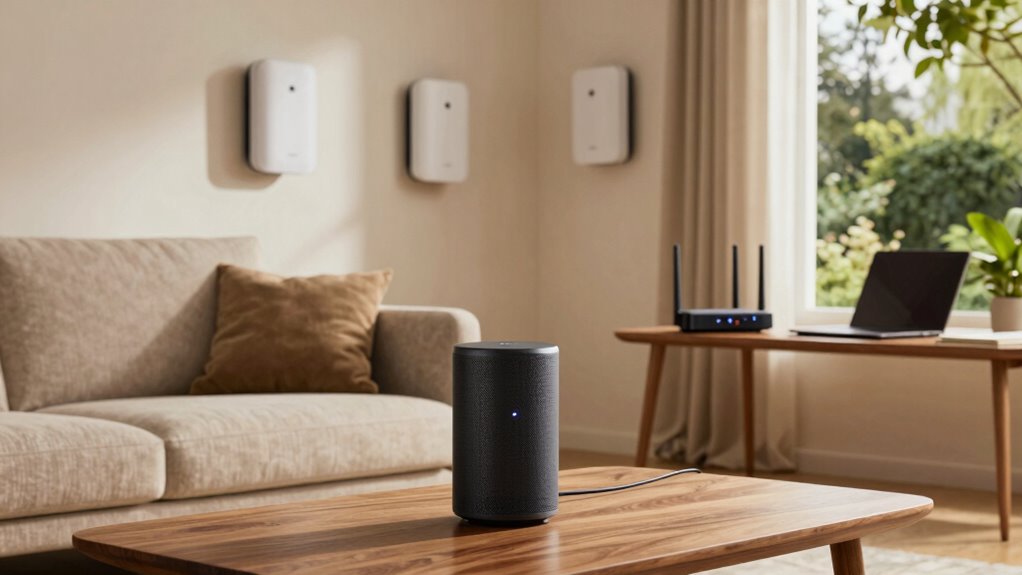

If you work remotely from a larger or multi-floor home, a mesh WiFi system is usually a better fit because it provides broader, more reliable coverage and easily scales as your device needs grow. A single router might work for small spaces but can struggle with signal strength and consistency. Choosing the right option depends on your home’s size and your long-term connectivity goals—keep exploring to find the best setup for you.
Key Takeaways
- Mesh WiFi systems offer better coverage and scalability for larger or multi-floor remote-work homes.
- Single routers are simpler to set up and suitable for small, basic remote-work spaces.
- Mesh systems provide more reliable, consistent connections with multiple devices in complex environments.
- Single routers may require additional extenders, complicating coverage extension over larger areas.
- Long-term performance and flexibility favor mesh systems for evolving remote-work home setups.

When choosing a WiFi setup for your home or office, understanding the differences between a mesh WiFi system and a single router is essential. If you work remotely and rely heavily on a stable internet connection, your choice impacts your productivity and overall experience. One of the main factors to evaluate is device compatibility. A single router typically supports most modern devices without issues, but some older gadgets might struggle if the router isn’t compatible with certain standards. Conversely, mesh WiFi systems are designed to work seamlessly with a broad range of devices, often offering better compatibility across various smart home gadgets, laptops, and mobile devices. This flexibility means you won’t have to worry about whether your devices will connect effectively, especially as your setup grows or changes.
Choosing between a mesh system and a single router depends on device compatibility and your coverage needs.
Setup complexity is another critical aspect. A single router tends to be straightforward to install—plug it in, follow the quick setup steps, and you’re ready to go. If your home or office has a simple layout, this minimal effort might be all you need. However, as your space expands or your signal needs become more demanding, a single router can struggle to provide consistent coverage, which might lead you to seek additional extenders or boosters, complicating your setup further. On the other hand, a mesh WiFi system involves a bit more initial effort. You’ll need to place multiple nodes strategically around your space and configure them to work together. While the setup process can be slightly more involved, most modern mesh systems come with user-friendly apps that guide you through each step, making it manageable even for non-technical users.
Once installed, mesh systems tend to offer a more scalable and reliable network, especially in larger or multi-room environments, ensuring your remote work remains uninterrupted. The additional devices also mean you can expand coverage easily if your needs grow. With a single router, coverage might be limited, and extending it often requires additional hardware or complex configurations, which can be frustrating and time-consuming. If you’re operating from a home office or a remote workspace that spans multiple floors or large areas, a mesh WiFi system generally provides a superior, more robust connection, despite the slightly increased setup effort. Additionally, choosing a system with mesh networking technology can improve overall reliability and performance in complex home environments.
Ultimately, your decision should hinge on your specific needs—whether you prioritize quick setup and simplicity or long-term flexibility and coverage. For remote workers with a small space and basic needs, a single router might suffice. But if you want reliable, widespread coverage in a larger or more complex environment, investing in a mesh WiFi system can pay off, even if it takes a bit more initial effort to get everything running smoothly.

TP-Link Deco X55 AX3000 WiFi 6 Mesh System – Covers up to 6500 Sq.Ft, Replaces Wireless Router and Extender, 3 Gigabit Ports per Unit, Supports Ethernet Backhaul, Deco X55(3-Pack)
- Wi-Fi 6 Mesh Technology: AX3000 speeds for seamless connectivity
- Wide Coverage: Covers up to 6500 sq ft
- Eliminates Dead Zones: Seamless high-performance Wi-Fi 6
As an affiliate, we earn on qualifying purchases.
As an affiliate, we earn on qualifying purchases.
Frequently Asked Questions
How Does Mesh Wifi Handle Device Connectivity Issues?
Mesh WiFi handles device connectivity issues by intelligently managing bandwidth and reducing signal interference. It automatically reroutes devices to the best node, ensuring a stable connection even if one node experiences issues. This system dynamically adjusts bandwidth allocation, preventing congestion and lag. As a result, your remote work setup stays reliable, with seamless connectivity that adapts to your device’s needs and minimizes disruptions caused by interference or network congestion.
Can a Single Router Support Multiple Smart Home Devices Effectively?
In the age of dial-up nostalgia, a single router can support multiple smart home devices, but it’s not always ideal. It may struggle with smart home compatibility and device prioritization, leading to lag or disconnects. For seamless control, especially with many devices, a mesh WiFi system often outperforms a single router. It guarantees better coverage, reliable connections, and smooth device management for your smart home needs.
What Is the Average Cost Difference Between Mesh Systems and Single Routers?
The cost comparison shows that single routers are generally cheaper, often costing between $50 and $200, depending on features. Mesh systems tend to have higher pricing variations, typically ranging from $150 to over $400, but they offer broader coverage and better performance for larger homes. While a single router might be more budget-friendly initially, consider your home’s size and your internet needs to determine the best value.
How Easy Is It to Expand a Mesh Wifi Network Later?
Expanding your mesh WiFi network is straightforward, making network scalability and coverage expansion simple. You just add more mesh nodes, which automatically sync with your existing system without complex setups. This seamless process means you can adapt your network as your home grows or your remote work needs change. With minimal effort, you’ll enjoy consistent, reliable coverage across larger areas, ensuring your connection stays strong wherever you work.
Which Setup Offers Better Security Features for Remote Work?
A mesh WiFi system generally offers better security features for remote work, as it provides stronger network encryption and easier firmware updates across all nodes. With regular firmware updates, you guarantee your network stays protected from vulnerabilities. Plus, mesh systems often include advanced security settings and automatic updates, giving you peace of mind. Single routers can be secure too, but mesh systems typically deliver more all-encompassing, seamless security for remote work needs.

GL.iNet GL-SFT1200 (Opal) Portable WiFi Travel Router, Mini VPN Wireless Router, Mobile Internet WiFi Repeater, Dual Band Openwrt Computer Routers, Home/Business/RV/Cruise
- Dual-band Wireless Speed: Up to 300 Mbps (2.4GHz) + 867 Mbps (5GHz)
- Easy Setup: Step-by-step user manual and video guide
- Portable Design: Lightweight at 145g for travel
As an affiliate, we earn on qualifying purchases.
As an affiliate, we earn on qualifying purchases.
Conclusion
So, which option truly suits your remote work needs? Will a sleek single router keep your connection seamless, or does a mesh system offer the expansive coverage you crave? The choice isn’t just about tech—it’s about your productivity, your peace of mind, your home. Imagine the moment you make that decision—will it bring the smooth, reliable connection you’ve been dreaming of, or leave you wondering what could have been? The future of your home WiFi awaits.
TP-Link Deco X55 AX3000 WiFi 6 Mesh System – Covers up to 6500 Sq.Ft, Replaces Wireless Router and Extender, 3 Gigabit Ports per Unit, Supports Ethernet Backhaul, Deco X55(3-Pack)
- Wi-Fi 6 Mesh Technology: AX3000 speeds for seamless connectivity
- Wide Coverage: Covers up to 6500 sq ft
- Eliminates Dead Zones: Seamless high-performance Wi-Fi 6
As an affiliate, we earn on qualifying purchases.
As an affiliate, we earn on qualifying purchases.

TP-Link AX1800 WiFi 6 Router (Archer AX21 V5) – Dual Band Wireless Internet, Gigabit, Easy Mesh, Works with Alexa – A Certified for Humans Device, Free Expert Support
- Dual-Band WiFi 6 Router: Faster speeds and reduced congestion
- AX1800 Speed: Up to 1.8 Gbps total bandwidth
- Connect More Devices: Supports multiple devices simultaneously
As an affiliate, we earn on qualifying purchases.
As an affiliate, we earn on qualifying purchases.