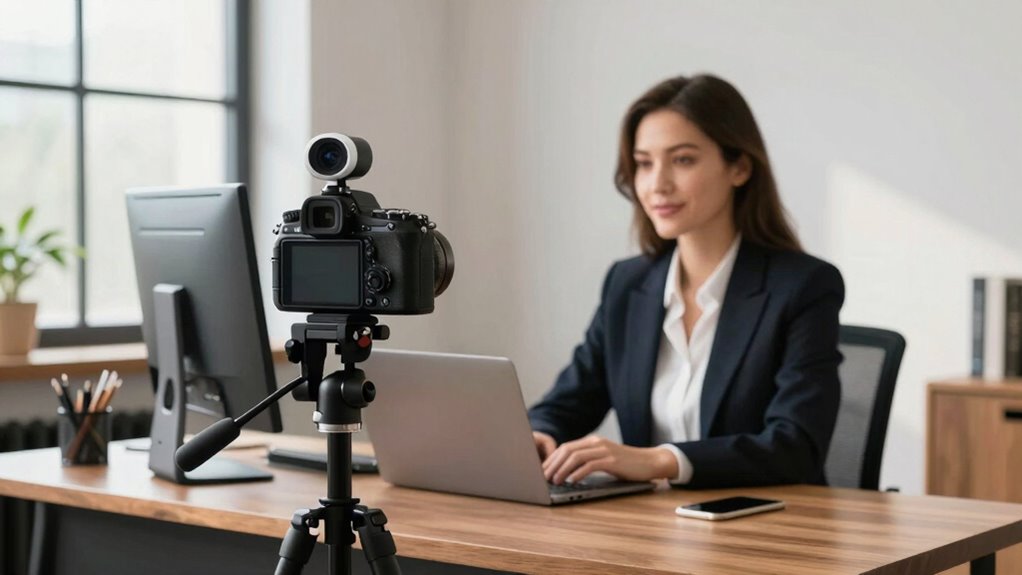

If you want quick, easy, and reliable video calls or coaching sessions, a webcam is simple and affordable, requiring minimal setup. However, if you aim for a professional, high-quality look with better lighting and sound control, a mirrorless camera is the better option. It offers superior image quality and customization, but demands extra equipment and effort. Want to discover how to maximize either choice? Keep exploring to find out more.

Get smart everyday buys delivered free — and shop member deals
- Fast, free delivery on millions of items
- Access to Prime Big Deal Days deals on October 6–7
- Prime Video, Amazon Music and more included
Key Takeaways
- Webcams are quick, affordable, and easy to set up for casual video calls, while mirrorless cameras offer superior image quality for professional coaching.
- Mirrorless cameras provide better low-light performance and customizable settings, enhancing video clarity in diverse environments.
- External microphones and lighting improve audio and visual quality more effectively with mirrorless camera setups.
- Webcams are ideal for immediate use, whereas mirrorless cameras require additional equipment and technical setup.
- For high production value and engaging coaching sessions, investing in mirrorless cameras yields more polished results.
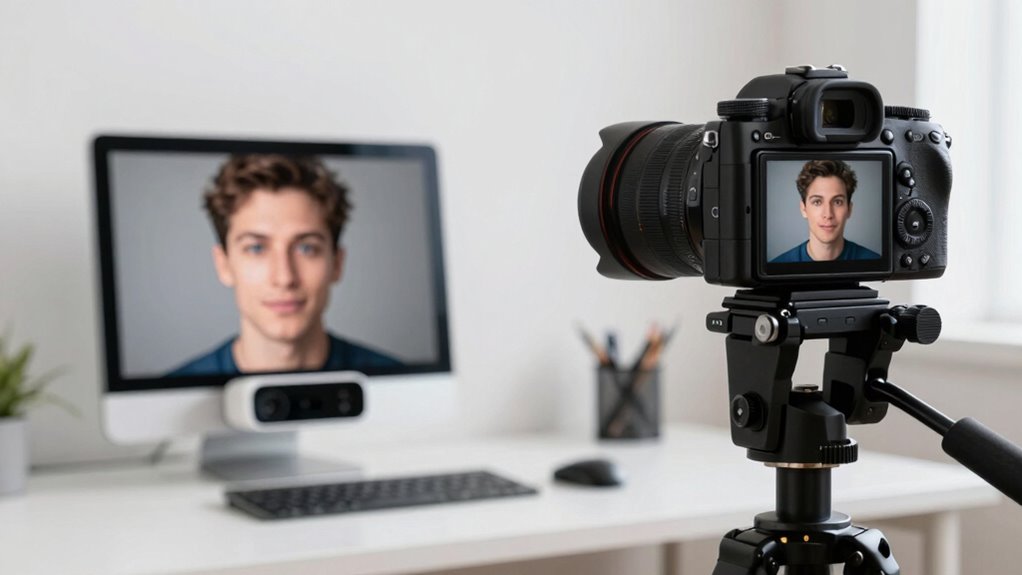
When choosing between a webcam and a mirrorless camera, it’s important to understand how each device suits your specific needs. If you’re primarily focused on video calls, streaming, or coaching sessions, your choice hinges on factors like image quality, ease of use, and setup. Webcams are convenient, plug-and-play devices that work well for everyday communication. They are compact, affordable, and require minimal technical knowledge. However, if you want professional-looking video, a mirrorless camera provides superior image quality, especially in varied lighting conditions. With a mirrorless camera, you have more control over lighting techniques, which directly impacts your video’s clarity and overall appeal. Adjusting aperture, ISO, and shutter speed allows you to create a well-balanced image, even in less-than-ideal lighting. Proper lighting techniques—like using softboxes or ring lights—can make your video look vibrant and engaging, but your camera’s sensor quality plays a pivotal role. Mirrorless cameras handle low-light environments better than webcams, ensuring your face remains clear and detailed without excessive noise. Additionally, lens selection can greatly influence your video’s sharpness and background blur, further elevating your production quality. Investing in quality accessories such as external microphones and lighting setups can also significantly enhance your overall video presentation.
Audio quality is another key factor. While webcams often come with built-in microphones that are decent for casual use, their audio output tends to be limited in clarity and range. If your coaching sessions or video calls require crisp, professional sound, investing in an external microphone connected to a mirrorless camera setup makes a big difference. The enhanced audio quality complements the high-resolution video, creating a more immersive experience for your audience. For webcam users, using a dedicated microphone—like a lapel or condenser mic—can greatly improve your sound, even if you stick with the built-in camera.
Ease of setup is another consideration. Webcams are straightforward: plug in, connect to your computer, and you’re ready to go. Mirrorless cameras demand more effort; you need additional equipment like a capture card, proper lighting, and possibly software to stream or record. However, this extra effort pays off if you’re looking to produce content that stands out. The investment in a mirrorless camera translates into a more polished, professional appearance—further enhanced by your mastery of lighting techniques and audio adjustments.
best external microphone for mirrorless cameras
As an affiliate, we earn on qualifying purchases.
As an affiliate, we earn on qualifying purchases.
Frequently Asked Questions
How Do Webcam and Mirrorless Camera Prices Compare?
Webcams are generally more affordable, making them a great choice if you’re on a tight budget or just starting out. They usually cost between $50 and $200. Mirrorless cameras, on the other hand, are more expensive, often ranging from $500 to over $2,000, depending on features. When doing a price comparison, consider your budget considerations carefully, especially if high-quality video is a priority but funds are limited.
Which Device Is Easier to Set up for Beginners?
Starting with the simplest path is often like choosing a clear stream over turbulent rapids. For beginners, a webcam is easier to set up because it offers greater ease of use and less setup complexity. You just plug it in, select it as your video source, and you’re ready. A mirrorless camera, while offering higher quality, involves more steps like configuring settings and connecting extra equipment, making it more challenging for newcomers.
Do Mirrorless Cameras Require External Microphones?
Mirrorless cameras often require external microphones to improve audio quality, as their built-in mics usually don’t deliver professional sound. You’ll need to check your camera’s microphone compatibility before purchasing an external mic. Using a good external microphone enhances audio clarity during video calls and coaching sessions, making your communication more effective. So, if audio quality is a priority, plan on investing in a compatible external microphone for your mirrorless camera.
How Does Lighting Affect Each Camera’s Video Quality?
Lighting dramatically impacts your video quality, making your image brighter or darker than a moonless night. With proper lighting techniques, you enhance color accuracy and clarity, whether you’re using a webcam or mirrorless camera. Poor lighting causes graininess and dull colors, while good lighting reveals vibrant skin tones and sharp details. So, invest in good lighting to make your videos look professional, no matter which camera you use.
Can Both Options Be Used Wirelessly for Streaming?
Yes, both webcams and mirrorless cameras can be used wirelessly for streaming. With the right accessories, like wireless adapters or built-in Wi-Fi features, you can achieve seamless wireless connectivity. This enhances streaming compatibility, giving you the freedom to move around and set up your space without tangled cables. Keep in mind, higher-quality streaming often requires a stable internet connection and compatible software for smooth, professional results.
As an affiliate, we earn on qualifying purchases.
Conclusion
Choosing between a webcam and a mirrorless camera is like picking the perfect brush for a masterpiece—you want clarity and connection. If you want simple, reliable quality that feels like chatting with a friend, go for a webcam. But if you’re aiming for professionalism and stunning visuals, a mirrorless camera is your canvas. Either way, the right choice brings your vision to life, making your video calls as engaging as a heartfelt conversation under a sky full of stars.
As an affiliate, we earn on qualifying purchases.
As an affiliate, we earn on qualifying purchases.
Halloween Picks
halloween
As an affiliate, we earn on qualifying purchases.