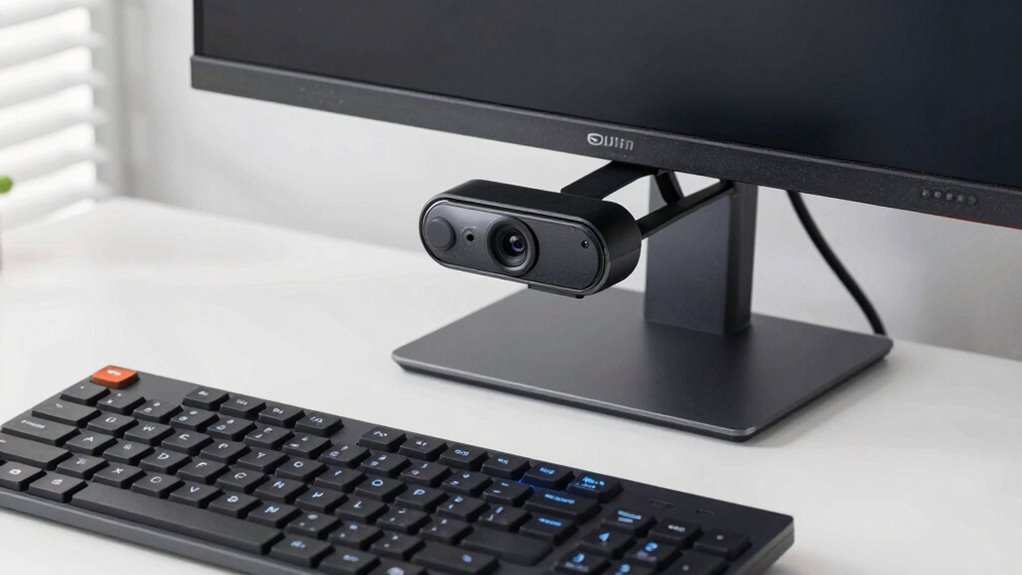

To choose a webcam without paying for unused features, identify your main needs like resolution, lighting, and microphone quality. Focus on models that perform well in your typical lighting conditions and prioritize core functions over extra perks like auto-focus or background removal. If you already have a good external mic, you can skip advanced audio features. By understanding what truly enhances your experience, you avoid overspending. Keep exploring to discover more tips for making the best choice.
Key Takeaways
- Prioritize essential features like resolution and microphone quality over unnecessary extras such as auto-focus or background removal.
- Assess lighting conditions to determine if high resolution (e.g., 4K) is necessary, avoiding overpaying for unused quality.
- Consider external microphones to replace expensive webcam audio features, focusing on core video needs.
- Choose a fixed-focus webcam for stationary use, skipping auto-focus features that add cost without benefit.
- Set a budget based on actual use, selecting models that meet your specific requirements without paying for unneeded functionalities.
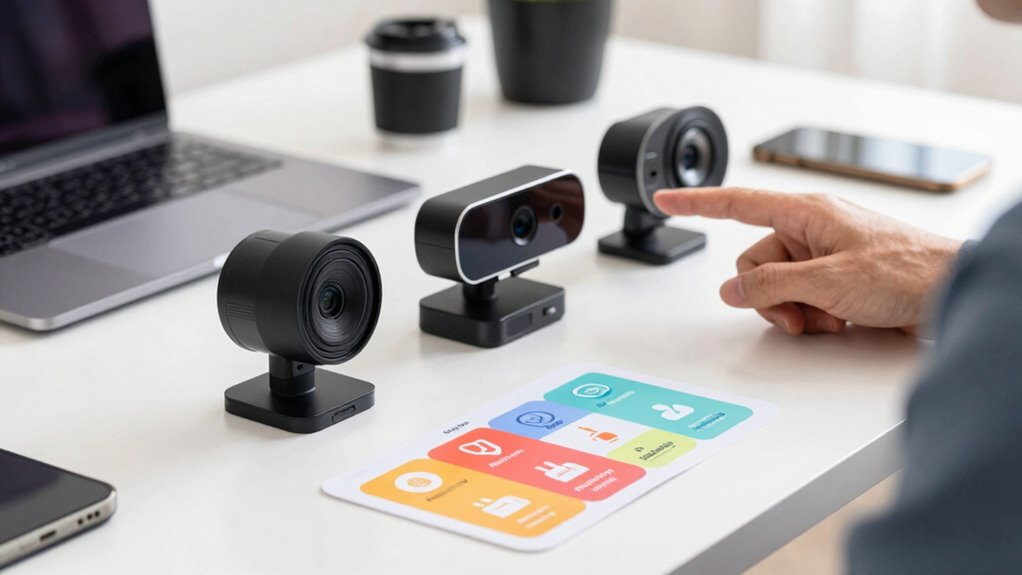
Are you unsure how to pick the right webcam for your needs? It can feel overwhelming when you see so many models promising advanced features, but not all of them are necessary for your setup. To avoid paying for extras you won’t use, start by evaluating what really matters for your typical use. For instance, if you mostly participate in video calls from a well-lit room, high-end resolution might not be essential. Instead, focus on a webcam that performs well in your lighting conditions, guaranteeing clear images without the need for additional lighting equipment. If your environment is dim or unevenly lit, look for models with good low-light performance rather than the most expensive 4K options, which often come with features you might never utilize.
Next, consider the microphone quality. It’s tempting to choose webcams with built-in microphones boasting noise-canceling tech or stereo sound, but if your setup already includes a dedicated microphone, these features are redundant. Buying a webcam with an average microphone can save you money and still meet your needs, especially if you primarily use a headset or external mic for better audio quality. Think about your typical environment: if you often work in noisy surroundings, investing in a model with superior microphone tech might be worthwhile. However, if your space is quiet or you already own a quality microphone, don’t splurge on unnecessary audio features.
Choose a webcam with basic microphone quality if you already have a good external mic; avoid paying extra for unnecessary audio features.
Another key point is to avoid getting caught up in bells and whistles that don’t add real value for you. Many webcams come with auto-focus, built-in lighting, or background removal features. While these might sound appealing, they often increase cost and complexity without significant benefit if your setup doesn’t need them. For example, auto-focus can be handy if you move around a lot, but if you mostly stay in one spot, a fixed focus camera will suffice. Similarly, background removal features are more useful in professional streams or presentations, which you might not need if your casual video calls are infrequent. Additionally, being aware of content formats can help you choose a webcam that supports your preferred video quality across various platforms.
Understanding the technology differences between models can also help you avoid overpaying for features that won’t improve your experience. This knowledge can guide you toward options that deliver the best value for your money, especially when considering long-term use.
Finally, set a budget based on your actual requirements. You don’t need to buy the latest, most expensive model if your needs are simple. Focus on core features like resolution, compatibility with your device, lighting adaptability, and microphone quality. By doing so, you ensure you’re paying for what you truly need, avoiding unnecessary costs on features you’ll never use. This approach helps you choose a webcam that fits your use case perfectly, saving you money and frustration in the long run.

NIVEOLI Webcam 1080P with Microphone & Privacy Cover for PC/Laptop, USB Computer Camera Plug & Play with Auto Light Correction for Video Calls, Live Streaming Gaming & Online Meetings
【Crystal-Clear 1080P HD Video】This 1080p webcam for PC delivers sharp, true Full HD video at 30 frames per…
As an affiliate, we earn on qualifying purchases.
As an affiliate, we earn on qualifying purchases.
Frequently Asked Questions
Do I Need a Special Port for My Webcam?
You don’t need a special port for your webcam if it uses USB compatibility, as most webcams connect via standard USB ports, which are widely available on computers. Just make certain your device has the right USB type (USB 2.0 or 3.0) for ideal camera resolution and performance. Check your computer’s ports beforehand, and you’ll be ready to use your webcam without any hassle or need for specialized connections.
How Important Is Low-Light Performance?
Low-light performance is quite important if you often use your webcam in dim environments. Look for webcams with good low light sensitivity and night mode features, which help brighten your image without sacrificing quality. This guarantees clear video during evening calls or poorly lit rooms. If you rarely record in dark settings, you might skip these features. Otherwise, investing in a webcam with strong low-light capabilities enhances your overall video quality.
Can I Use a Webcam With Multiple Devices?
Yes, you can use a webcam with multiple devices, but check for compatibility concerns first. Confirm the webcam’s video quality remains consistent across devices, especially if you’re switching between computers or operating systems. Some webcams are designed to work seamlessly with various devices via USB or other connections, but always verify the specifications and driver support to avoid issues. This way, you get reliable video quality wherever you connect.
Is a Built-In Microphone Necessary?
A built-in microphone isn’t always necessary if you prioritize audio quality or have privacy concerns. If you prefer clearer sound or want to avoid potential eavesdropping, consider using an external microphone instead. Built-in microphones can sometimes pick up background noise, affecting your audio quality. However, for casual use or video calls where privacy isn’t a big concern, the built-in mic can be convenient and sufficient.
How Long Do Webcams Typically Last?
Webcams typically last around 2 to 5 years, depending on usage and build quality. You’ll want to take into account video resolution; higher resolutions like 1080p tend to last longer because they often feature better components. Proper webcam mounting also helps extend its lifespan by reducing strain on the device. Regular cleaning and careful handling prevent dust buildup and damage, ensuring your webcam stays functional longer, regardless of its initial quality.

EMEET C950 1080P Webcam – USB Webcam with Microphone & Physical Privacy Cover, Auto Light Correction, Fixed Focus, USB Plug & Play, Ultra Web Cam w/ 70°View for Meeting/Online Classes/Zoom/YouTube
Innovative and Fashion Privacy Protection – EMEET C950 web camera comes with physical privacy cover slide to block…
As an affiliate, we earn on qualifying purchases.
As an affiliate, we earn on qualifying purchases.
Conclusion
Remember, not every feature is worth paying extra for—stick to what truly meets your needs. By focusing on essential qualities like resolution and compatibility, you avoid wasting money on unnecessary bells and whistles. As the saying goes, “A penny saved is a penny earned,” so choose wisely and invest in a webcam that serves you well without breaking the bank. This way, you’ll get the best value without the fluff.

NexiGo N60 1080P Webcam with Microphone, Software Control & Privacy Cover, USB HD Computer Web Camera, Plug and Play, for Zoom/Skype/Teams, Conferencing and Video Calling
【Full HD 1080P Webcam】Powered by a 1080p FHD two-MP CMOS, the NexiGo N60 Webcam produces exceptionally sharp and…
As an affiliate, we earn on qualifying purchases.
As an affiliate, we earn on qualifying purchases.

EMEET C960 4K Webcam for PC, 4K UHD CMOS Sensor, PDAF Auto Focus, Dual Omnidirectional Mics, Auto Light Correction, 73° FOV, Plug&Play Webcam w/Privacy Cover, Works w/Zoom/Teams/Skype/Google Meet
Unmatched Clarity with True 4K Resolution – Experience ultra-clear video conferencing with a genuine EMEET SmartCam C960 4K…
As an affiliate, we earn on qualifying purchases.
As an affiliate, we earn on qualifying purchases.